> For the complete documentation index, see [llms.txt](https://support.portsip.com/llms.txt). Markdown versions of documentation pages are available by appending `.md` to page URLs; this page is available as [Markdown](https://support.portsip.com/portsip-communications-solution/portsip-pbx-administration-guide/20-cdr-and-call-recordings/call-history.md).
# Call History
In PortSIP PBX, **Call History** and **Call Detail Records (CDRs)** represent the same underlying call information, but they differ in data source, availability, and performance.
### Call History
Starting with **v22.3.0**, PortSIP PBX introduced the **Data Flow** service, which is built on **ClickHouse** for high-performance analytics and reporting.
* **Call History** data is queried from the **Data Flow service**.
* It provides **significantly higher query performance** and scalability, especially for large datasets.
* Call History is available **only when the Data Flow service is installed and running**.
This design enables fast, real-time analytics and efficient querying for dashboards, reports, and wallboards.
***
#### CDR (Call Detail Record)
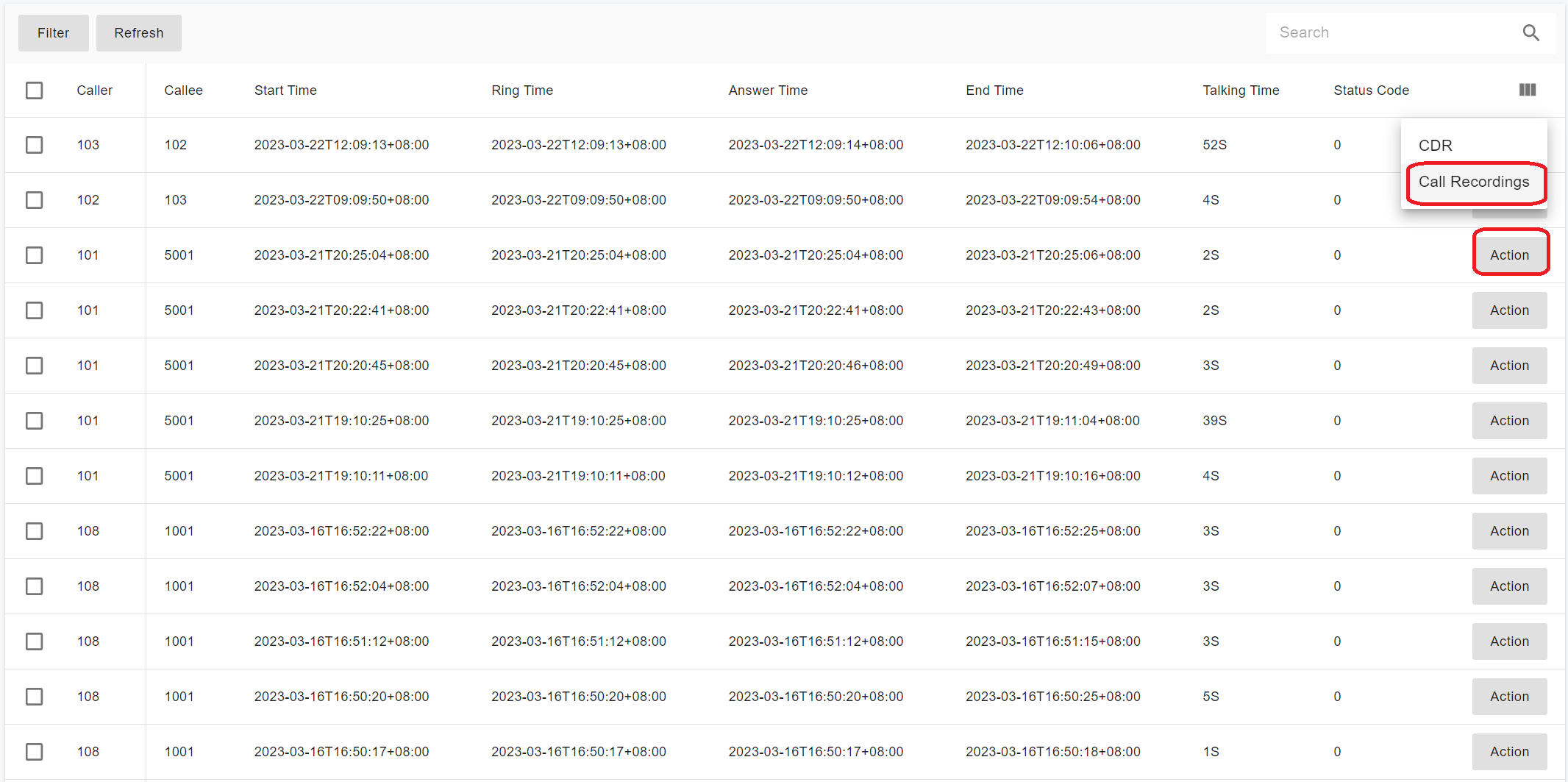
If the **Data Flow service is not installed**, **Call History** is unavailable. However, you can still access **CDRs**.
* CDR data is queried directly from the **PostgreSQL database**.
* CDRs provide the same fundamental call information but are intended primarily for record-keeping, integrations, and historical lookup, rather than high-performance analytics.
***
### What Information Does a CDR Contain?
A **Call Detail Record (CDR)** includes detailed information about a call, such as:
* Call origination (caller)
* Call destination (callee)
* Date and time the call started
* Time the call was answered (connected)
* Time the call ended
A call is considered:
* Started (originated) when the caller goes off-hook
* Ended when either the caller or the called party goes on-hook
***
### CDR Service and Real-Time Delivery
PortSIP PBX includes a built-in **CDR service** that generates complete, real-time records for all calls.
When a call is completed:
* The CDR can be **pushed instantly** to external systems via:
* [WebHook](#push-cdr-to-webhook)
* [WebSocket](/development-portsip/going-real-time-with-portsip-pbx-pub-sub.md#cdr_events)
This allows seamless integration with billing systems, CRM platforms, analytics services, and compliance tools.
***
### Call History Management
After signing in as a **Tenant Administrator**, navigate to: **Data Analytics > Call History**
All call history records are displayed in the list. If **call recording** is enabled, you can **play back or download** the associated recording files directly from this page.
#### Viewing Call Details
Double-click a call history record to view detailed call information.
For example, consider the following call flow:
* Caller **A** calls **B**
* The call is transferred to a **Virtual Receptionist (IVR)**
* The caller enters **DTMF** input
* The call is routed to a **queue**
* One of the queue agents answers the call
All stages of this call are captured and displayed within a single call history record.
***
#### Searching Call History
You can search call history records using the following filters:
* **Range**\
Select a predefined date range or specify a custom date range.
* **From Number**\
Filter by caller number. If not specified, calls from all callers are included.
* **To Number**\
Filter by callee number. If not specified, calls to all callees are included.
* **Call Status**\
Filter by call status: **Any**, **Answered**, or **Unanswered**.
* **Duration**\
Filter calls based on talk time duration.
* **Hour of Day**\
Filter calls within specific hours of the day.
* **Session ID**\
Enter a specific call **Session ID** to retrieve the detailed record for that call.
After configuring the desired filters, click the **Search** button to retrieve matching call history records.